Visual Studio 2008 MFC: How to embed a dialog to a dialog
I wanted to create a dialog based application that a user can select an item from the left and displays different dialog to the right. I drag and drop a picture control into the left side that will serve as container of the child dialog.
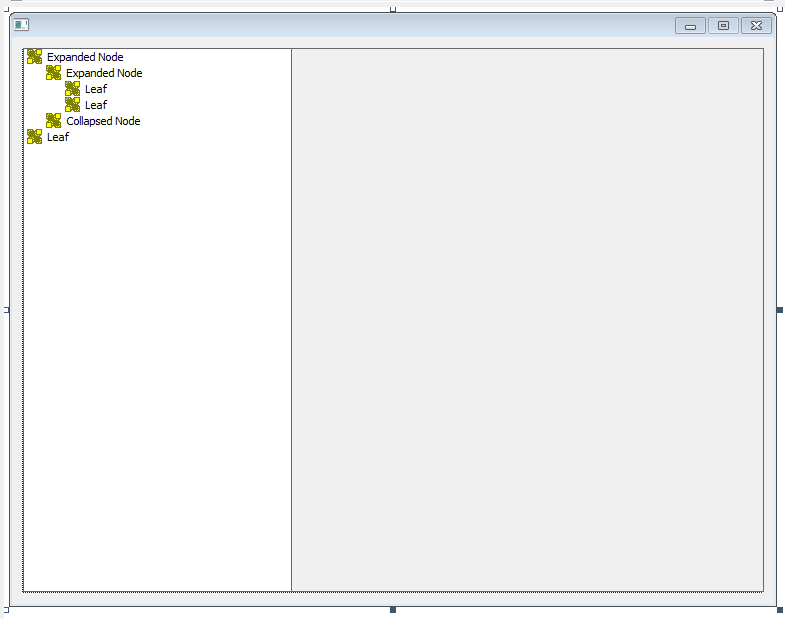
Then, I created also a child dialog with button in the resource as,

Right-click the child dialog and select properties. The following properties should be as,
Border = None
Style = Child
System Menu = False
Title Bar = False
Visible = True
I selected the child dialog and right-click to create a class as,

After creating the class, add the code below in the constructor and first argument is your class name.
Create(YourClassName::IDD,pParent);
Then, to dynamically add the child dialog to the picture control in our main dialog you can do it as,
m_pYourClassName = new YourClassName(this);
CRect rc;
GetDlgItem(IDC_STATIC_DEVICE)->GetWindowRect(rc);
ScreenToClient(&rc);
m_pYourClassName->MoveWindow(rc);
That's it!

Comments
Post a Comment